How AI Dubbing Transforms Editing
From a multi-role relay to one upload — editing, collaboration and delivery.
Making multilingual video used to be a relay: the editor finishes, hands the project to translation, translation comes back, then voiceover, then the track gets re-aligned to the timeline. Stall any one leg and the whole chain stops. AI dubbing collapses that chain into the single act of uploading.
A real before/after
Take the 12-minute product tutorial we use often:
- Old: translation ~1 day + voiceover scheduling 1–2 days + editor alignment half a day ≈ 3 business days, and five languages had to be queued serially.
- New: upload → proofread → pick a voice → export, about 40 minutes to five language masters, and they run in parallel.
- The shift isn't 'a bit faster' — the delivery unit moves from days to hours/minutes, and small-batch multi-version becomes the default.
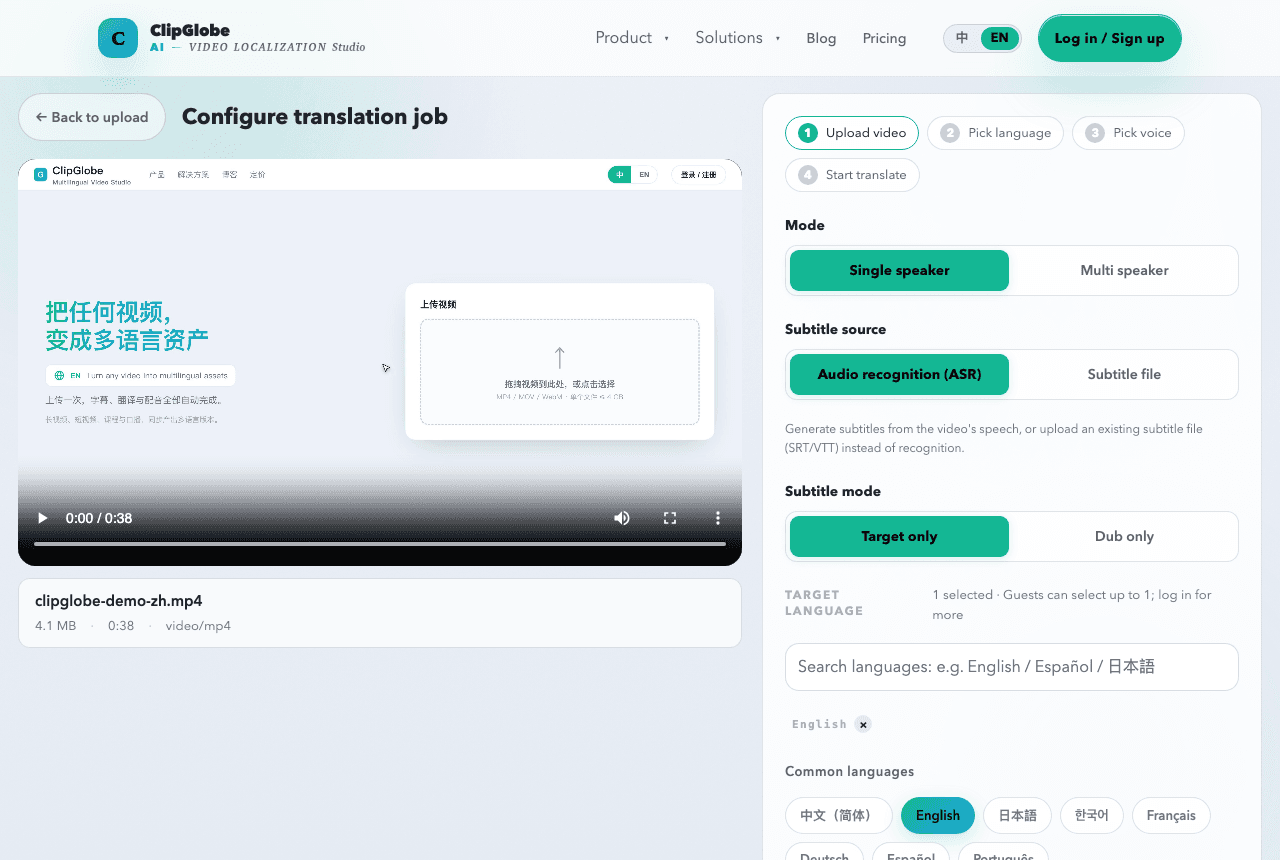
Change to the edit flow
- Transcribe, translate, dub and subtitle finish automatically after upload; the editor only polishes and checks tone.
- Edit-to-regenerate: change one line of copy, no re-booking a voice actor.
- One project ships multiple language versions in parallel — no cloning the project five times.
Change to collaboration
- Translation and dubbing go from two outsourced steps to a built-in capability.
- Review narrows to two things: glossary and tone, not the whole pipeline.
Rollout order (don't go all-in on day one)
We suggest this sequence so a volume blast doesn't sink you:
- Take your historically best-performing video, make the multilingual version, and validate with real completion and conversion data before scaling.
- Build a minimal review checklist: terms, numbers, tone of the first 30 seconds — get those right and the rest is usually fine.
- Once the single-video flow is stable, add batching and parallel languages.
Drop AI dubbing into your edit flow: ClipGlobe returns a finished master on upload, leaving you the polish and tone check — what you save is the waiting, not the judgment.
See the capabilitiesRead the docs