Most Reliable AI Translator for Video
Glossary, alignment, languages and export — four points that decide reliability.
Many tools 'can translate video', but few translate reliably enough to ship. There's one hard test of reliability: does it land the translation back on the footage, or just hand you a block of text? Let's start with a real failure we've seen, then the four points.
The failure first: one product name, two translations
In one video the product codename 'Nova' got machine-translated to 'Nueva' in Spanish but kept as 'Nova' in Portuguese. Same word, two renderings — and viewers read it as unprofessional instantly. The root cause: no glossary told the translator it was a proper noun.
- Fix: one glossary row 'Nova → do not translate', and all five languages stay consistent.
1. Glossary control
Whether brand names, product names and acronyms can be locked with a glossary is the line between pro and amateur output. Lock 30–50 high-frequency terms first; they cover most occurrences.
2. Translation lands on the footage (the overlooked one)
Whether the translation auto-generates aligned subtitles and drives the dub track decides if you get a finished video or a half-done bundle. The key is 'same-source': subtitles and dubbing both come from the same translated script, so they can't drift apart.
3. Languages and accents
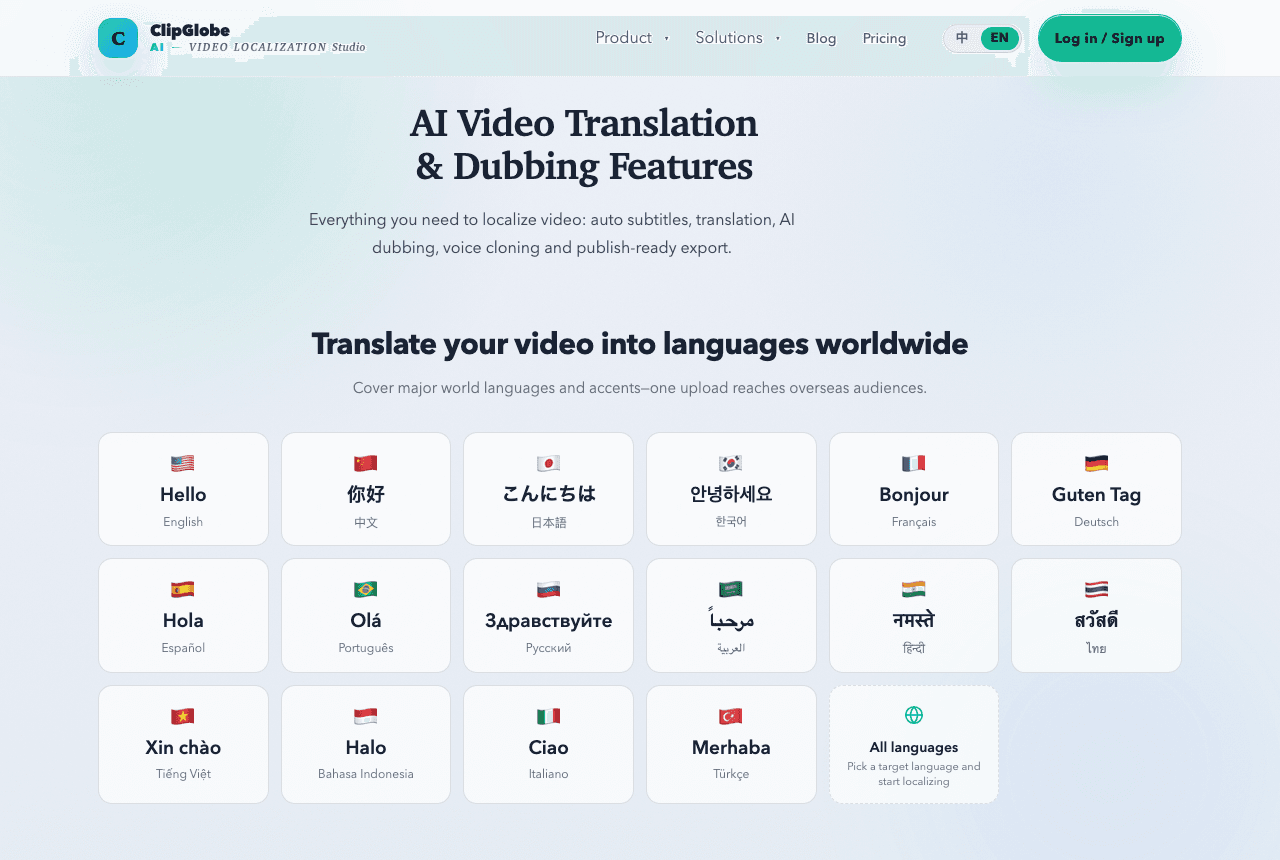
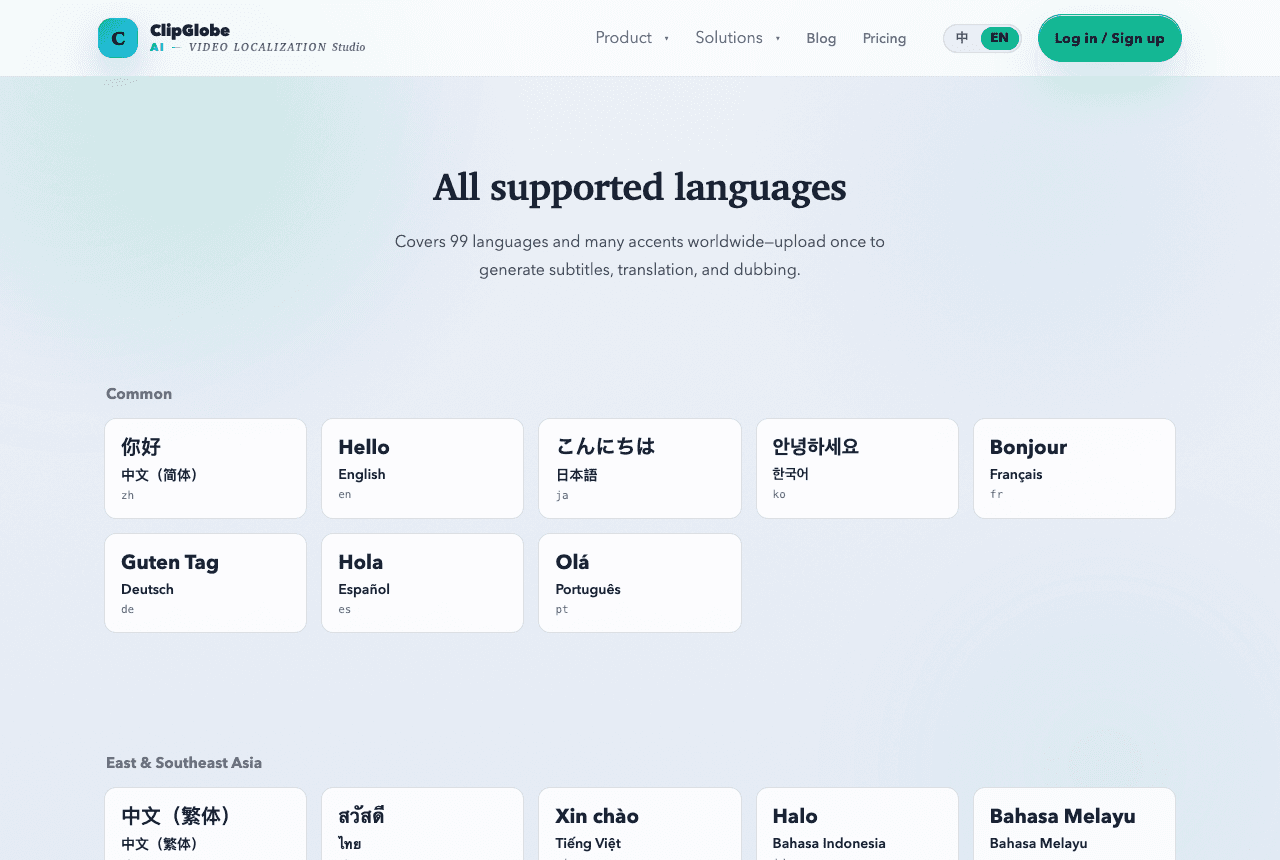
Cover your target markets, especially smaller languages and regional accents; use voice cloning for the lead dubbing languages and lean on subtitles for smaller ones (see /languages).
4. Export and reuse
Up to 4K export, vertical ratios and batch handling decide whether it's actually usable in your workflow, not just nice in a demo.
The 4 most common AI video translation failures (and fixes)
- Inconsistent proper nouns — back it with a glossary and check brand terms before publishing (the Nova case above).
- Timeline drift, subtitles lagging the voice — pick tools that generate subtitles and dubbing from the same source, so they stay aligned.
- Translationese that doesn't sound native — review tone only, don't retranslate the whole script.
- Bad line-breaking with overlong subtitle lines — check characters per line before export.