How to Translate a Video into Spanish
From upload to a clip with Spanish subtitles and voiceover — the four-step flow plus tips to do it well.
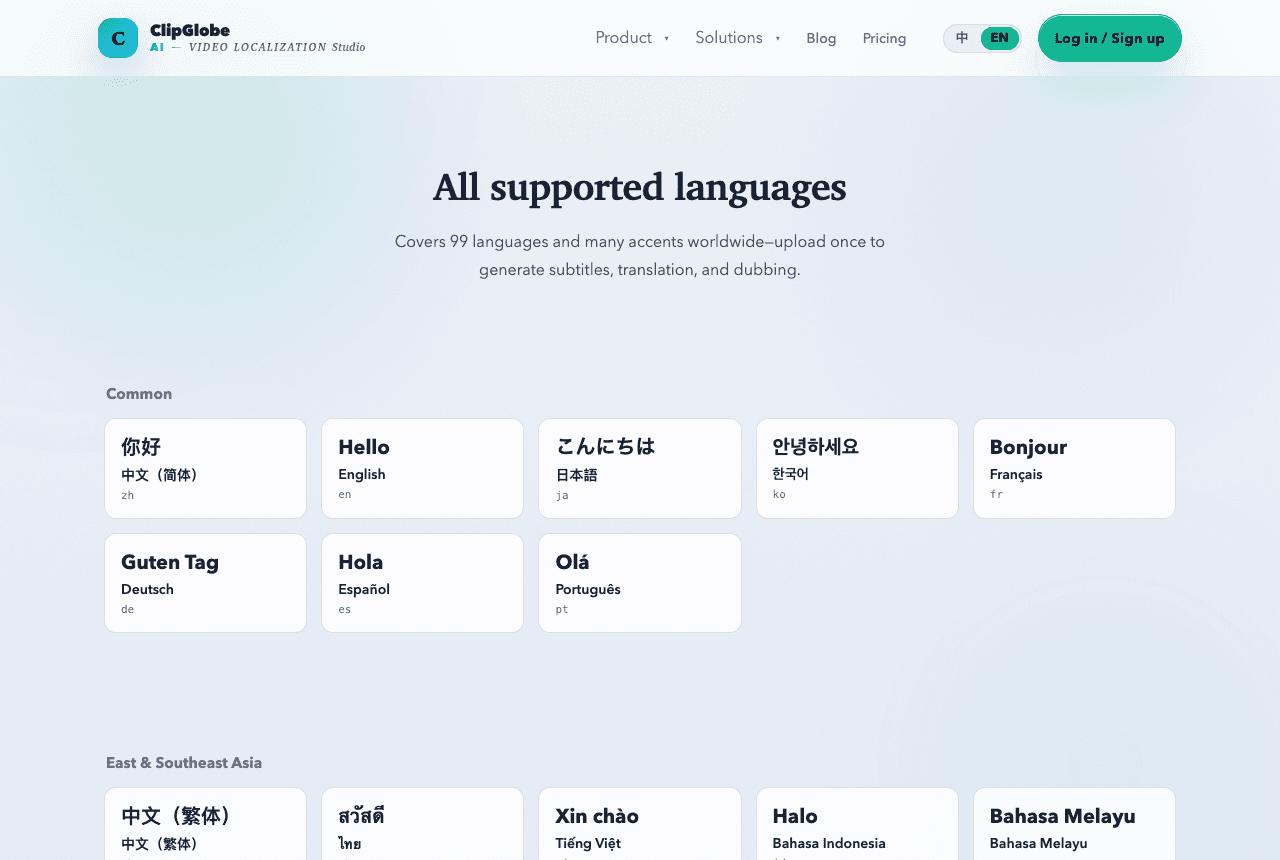
Spanish is the world's second-largest native market; translating your video into Spanish widens your audience substantially. Here's the reusable flow: transcribe, translate subtitles, generate a Spanish voiceover, export.
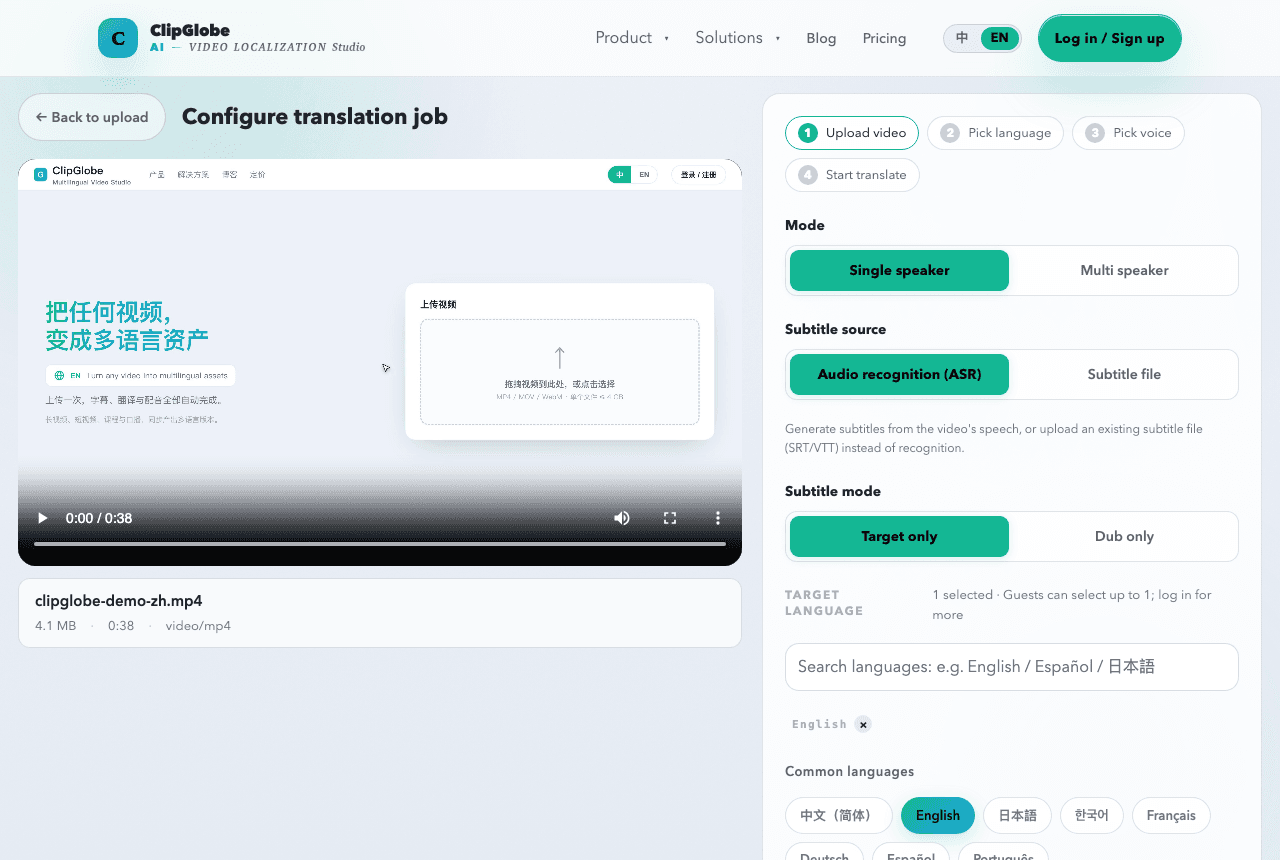
The four-step flow
- Upload a video or paste a link; the source subtitles are transcribed automatically.
- AI translates the subtitles into Spanish, with tunable tone and terms.
- Pick a Latin-American or Spain-Spanish voice for natural dubbing, or keep original + Spanish subtitles.
- Export the subtitled/dubbed master in one click for your Spanish channel.
Improve Spanish accuracy
- Distinguish Latin-American from Spain Spanish — vocabulary and some tenses differ a lot.
- Use a glossary to lock brand and domain terms.
Common pitfalls
- Don't use 'vosotros' for Latin-American audiences; the wrong accent feels off.
- Export at up to 4K to preserve quality.
Open ClipGlobe, paste a video link and get Spanish subtitles and dubbing — new users get free minutes.
See supported languages & accentsSee the video translation flow